Exactly
as in game.
Skinframe renders any CS2 item from its inspect link with the game's own paint compositor, inside one iframe on your listing page.
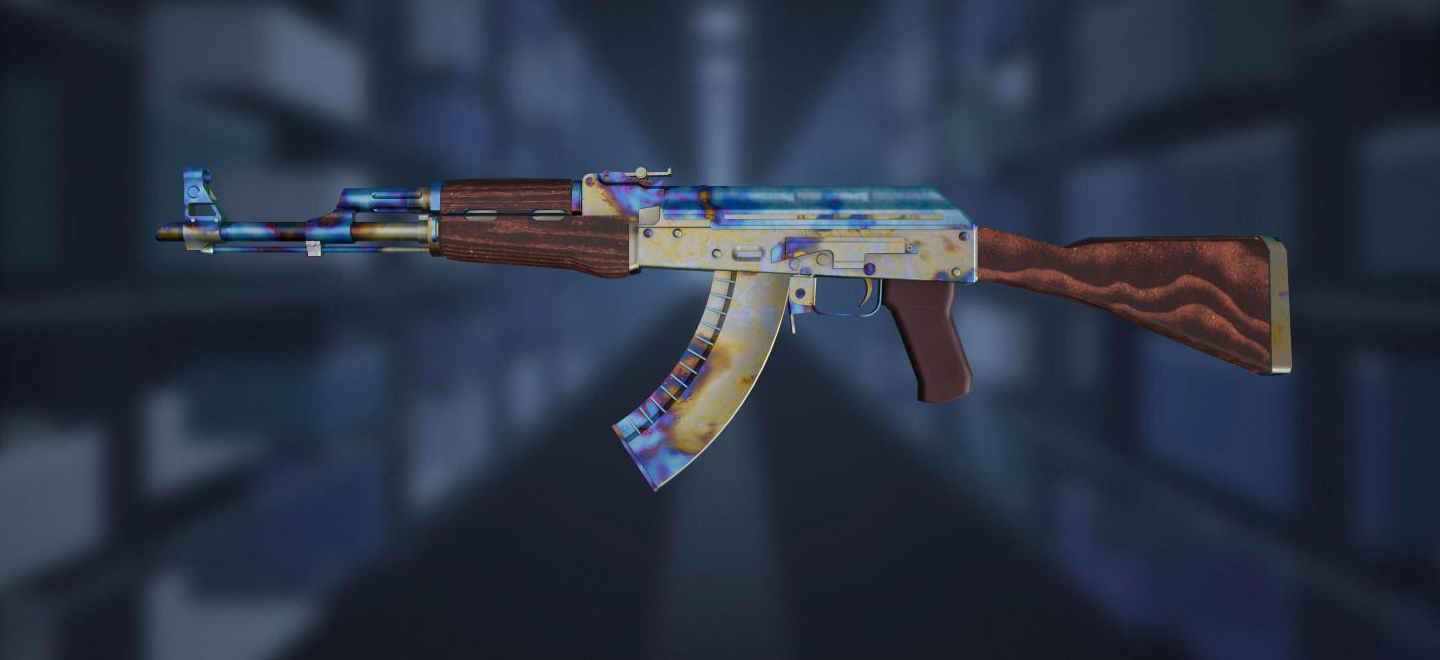
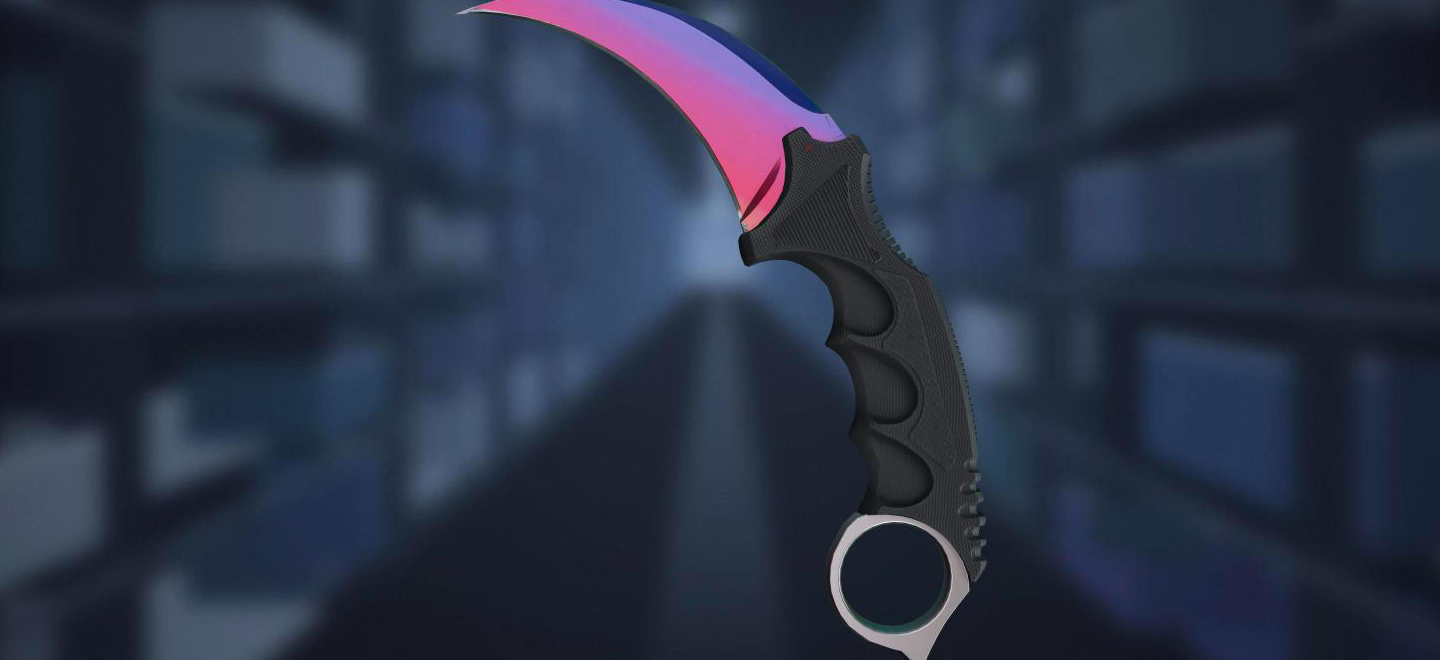
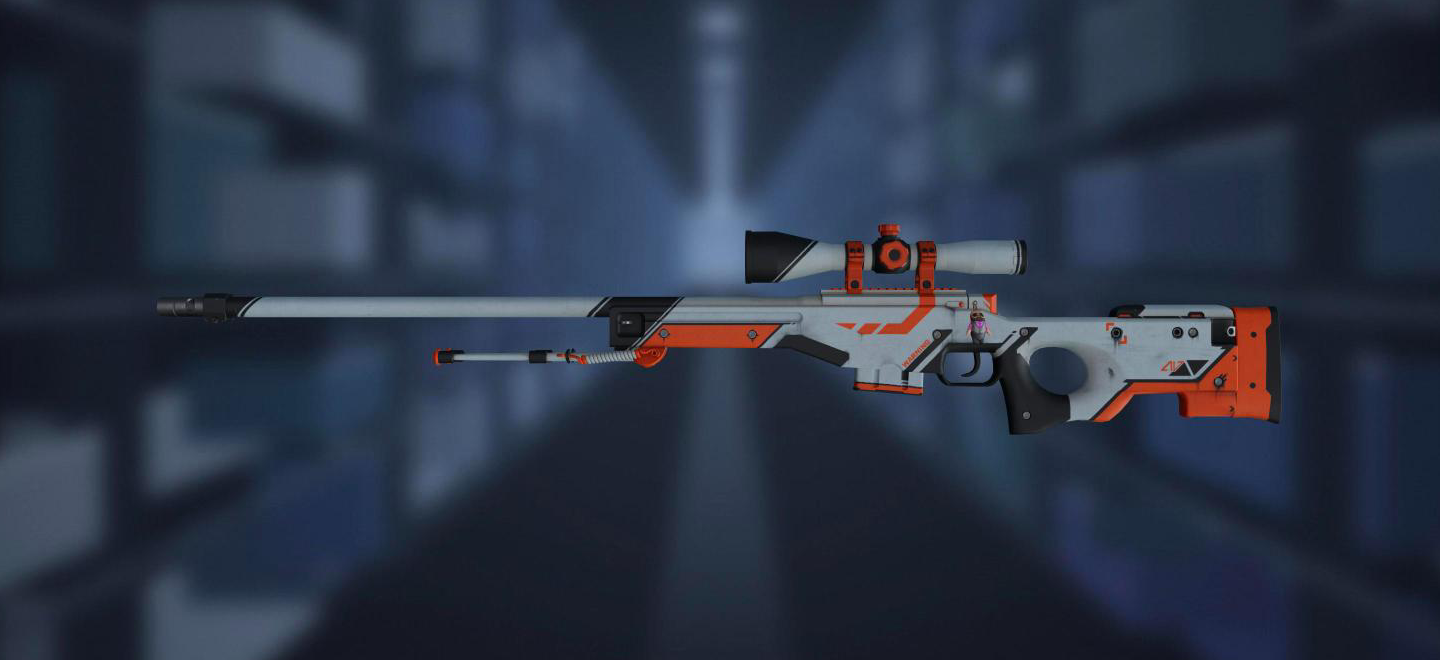
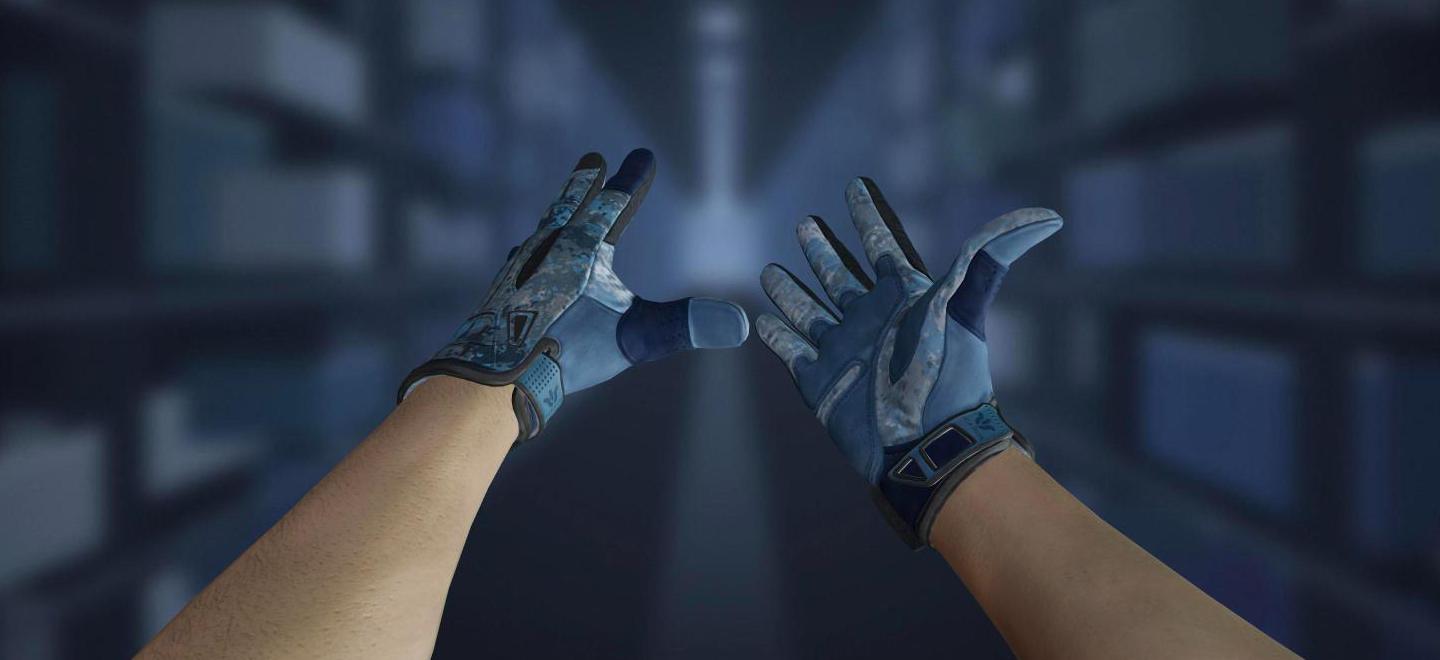

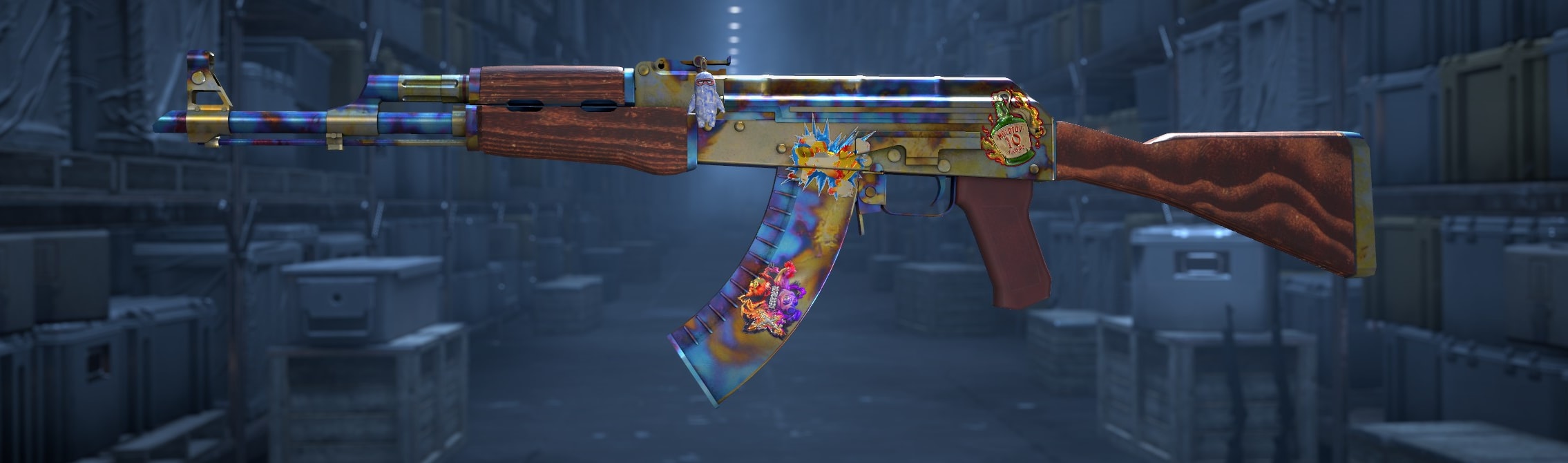
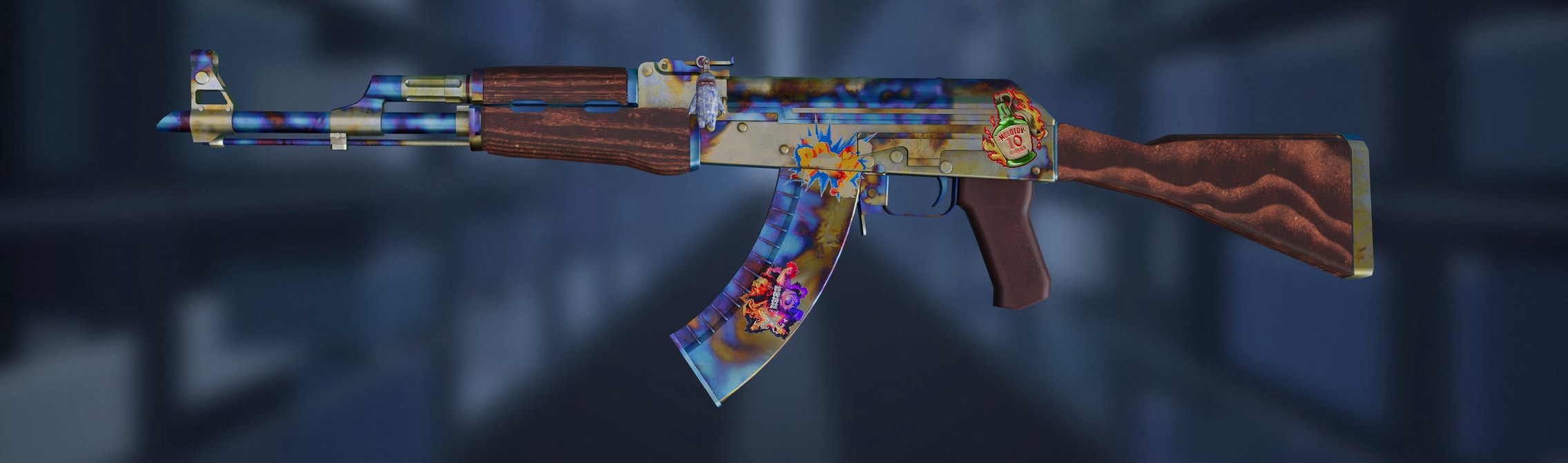
Seed 661, the blue gem: the pattern lands where the game's own random stream puts it.
Any item, any seed
One link in,
one frame out
First the inspect link, which every listing already has.
<iframe
  src="https://skinframe.skinlabs.app/v2/?link=…"
  width="100%" height="480">
</iframe>
Then one line in your page.
Then the frame fetches the game's textures.
Then it renders as in game: seed, float, stickers, charm.
The game's own compositor
Drag the handle: the capture from the game on one side, Skinframe’s render of the same inspect link on the other.
Plans by views
A view is one item rendered in the frame.
-
Base
150,000 views a month
Start with Base -
Growth
250,000 views a month
Start with Growth -
Scale
500,000 views a month
Start with Scale -
Enterprise
Anything above 500,000 views a month.
Talk to us
Questions marketplaces ask
What is Skinframe?
A small frame you put on a listing page that shows the item exactly as the game renders it: that listing’s own pattern, wear, stickers and charm, in 3D, turnable by the buyer.
How do I add it to my site?
One line of HTML with the listing’s inspect link and your key. No app to install, no SDK. Your key only works on the sites you allow, so nobody else can use it.
What counts as a view?
One item rendered inside the frame. Turning it, zooming or switching the camera does not count again; the same buyer opening the same listing later does.
Which items can it show?
Every weapon, knife and glove finish in the game, with stickers in all five slots, StatTrak, name tags and charms, at the listing’s exact seed and float.
Is it really what the game shows?
Yes. Skinframe uses the game’s own paint compositor and the same textures, and every finish is checked against in-game captures, item by item.
How fast does it load?
The textures come from a server near the visitor. The first view of an item takes a moment; the next views of it come straight from the buyer’s browser.
Can it carry my brand?
Yes. Set a background colour and upload your logo in your account; every frame your keys open shows them, so a screenshot shows who rendered it.
What happens when I pass my plan’s views?
Nothing breaks and nothing is cut off. We get in touch about the next plan; the counter in your account shows where you stand at any time.
How do I start?
Sign in with Google, create a key and paste the line. The trial lets you render real listings right away; talk to sales when you are ready for a plan.